Every printer in every office, on one board.
PrintSentinel is printer monitoring for Windows. It tells you about the jam, the open door, the toner that runs out on Thursday and the printer that stopped answering, before anyone has to walk over to it.
No card needed. Your printer data stays on your network.
A looping demonstration: the Legal Printer at Head Office reports a paper jam, an alert goes out by desktop pop-up, Teams and email, the helpdesk acknowledges it, and the alert closes itself when the jam is cleared.
- Read straight from the printer
- SNMP v1, v2c and v3
- Mixed brands on one board
- Any Printer MIB device
- No agents, no firmware
- Nothing on the printers
- One PC, or a Windows service
- Windows 10 and 11
That board was a demo. This is the app.
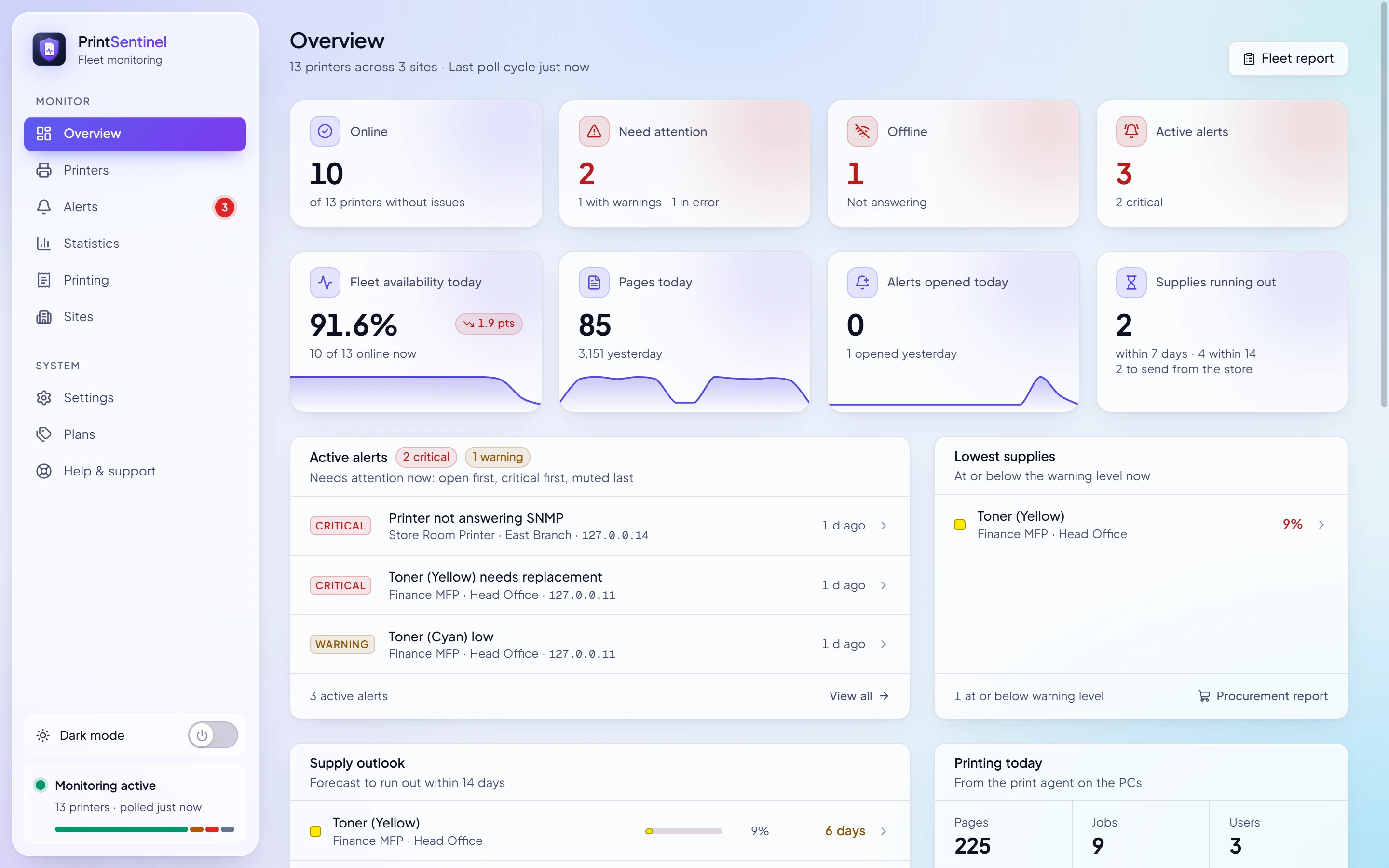
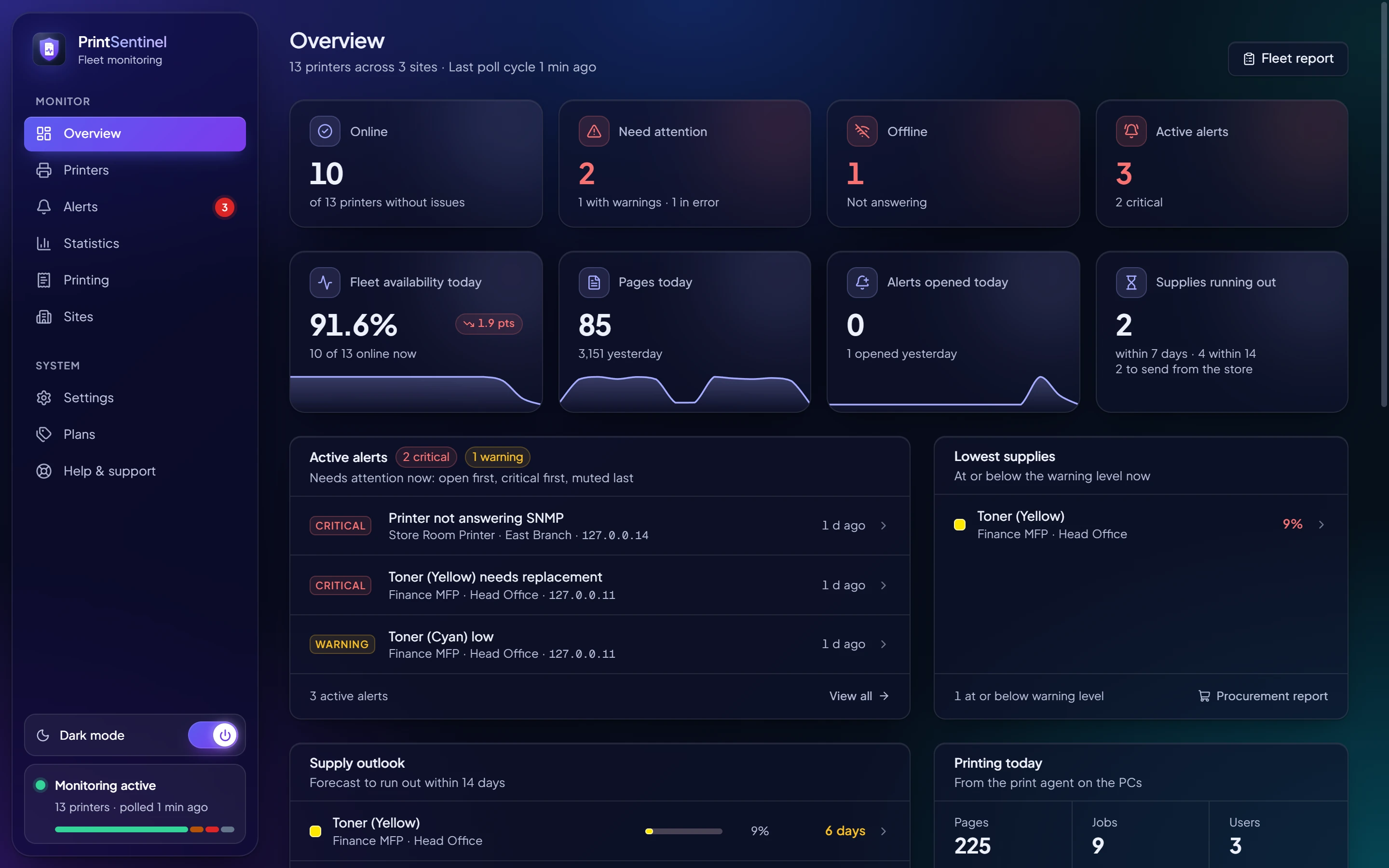
Every screenshot on this site is PrintSentinel itself, watching the same demo fleet: thirteen printers in three offices, with a jam, a printer that stopped answering and a toner about to run out.
The things people only find out about when they go to print
PrintSentinel reads each printer’s own status over SNMP every two minutes and opens an alert when something needs a person. When the problem clears, the alert resolves itself.
It also follows every consumable by name, from TK-5290K to the waste toner box, with a warning level and a critical level that you set.
Alert conditions
5 critical 7 warning
- Paper jam, critical
- Out of toner, critical
- Service requested, critical
- Printer unreachable, critical
- Supply missing, critical
- Toner low, warning
- Door or cover open, warning
- Out of paper, warning
- Input tray empty, warning
- Output tray full, warning
- Preventive maintenance overdue, warning
- Different machine at this address, warning
Built for the person who gets the call when the printer stops
Four jobs, four screens. Each one is the real app, not a mock-up.
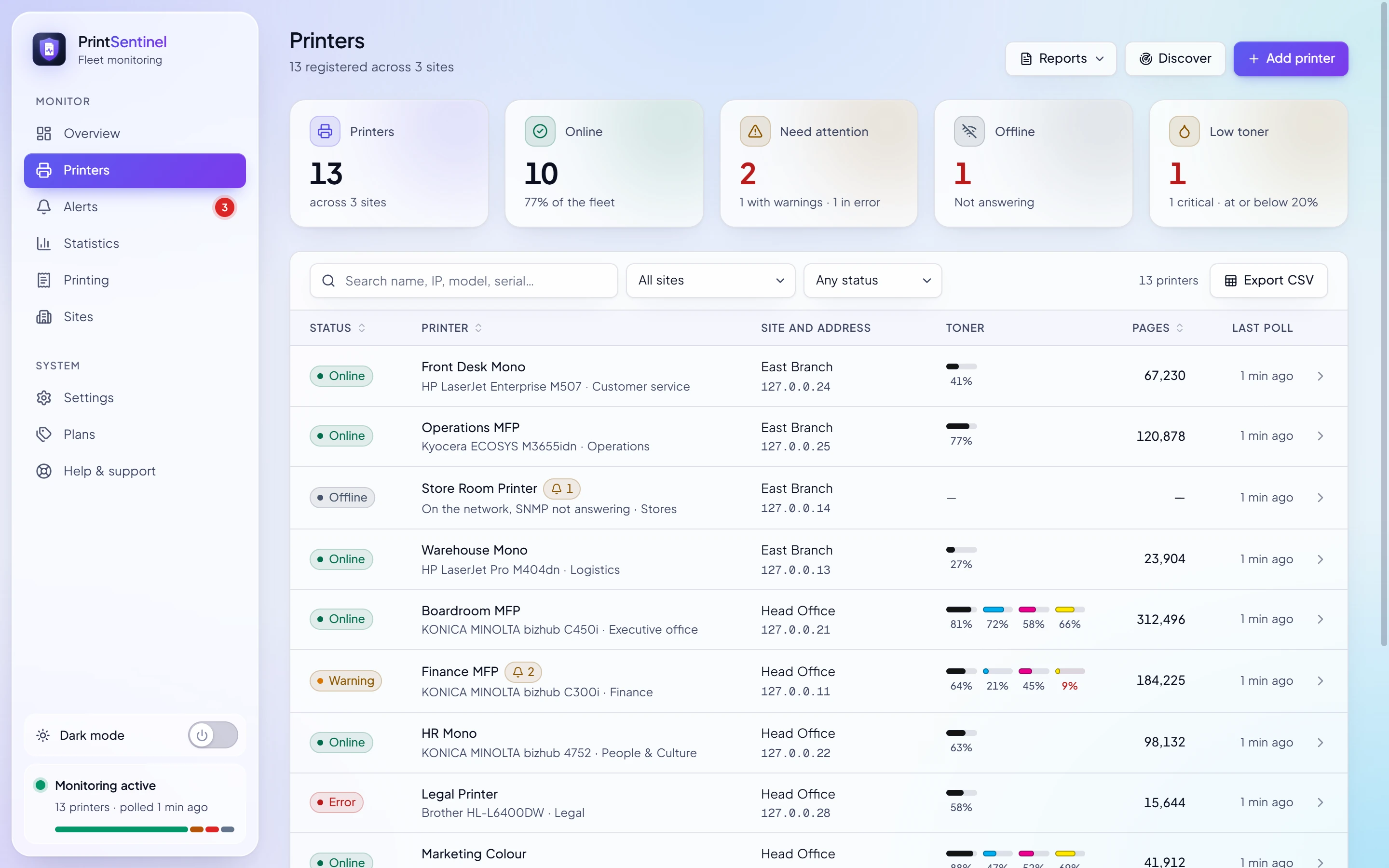
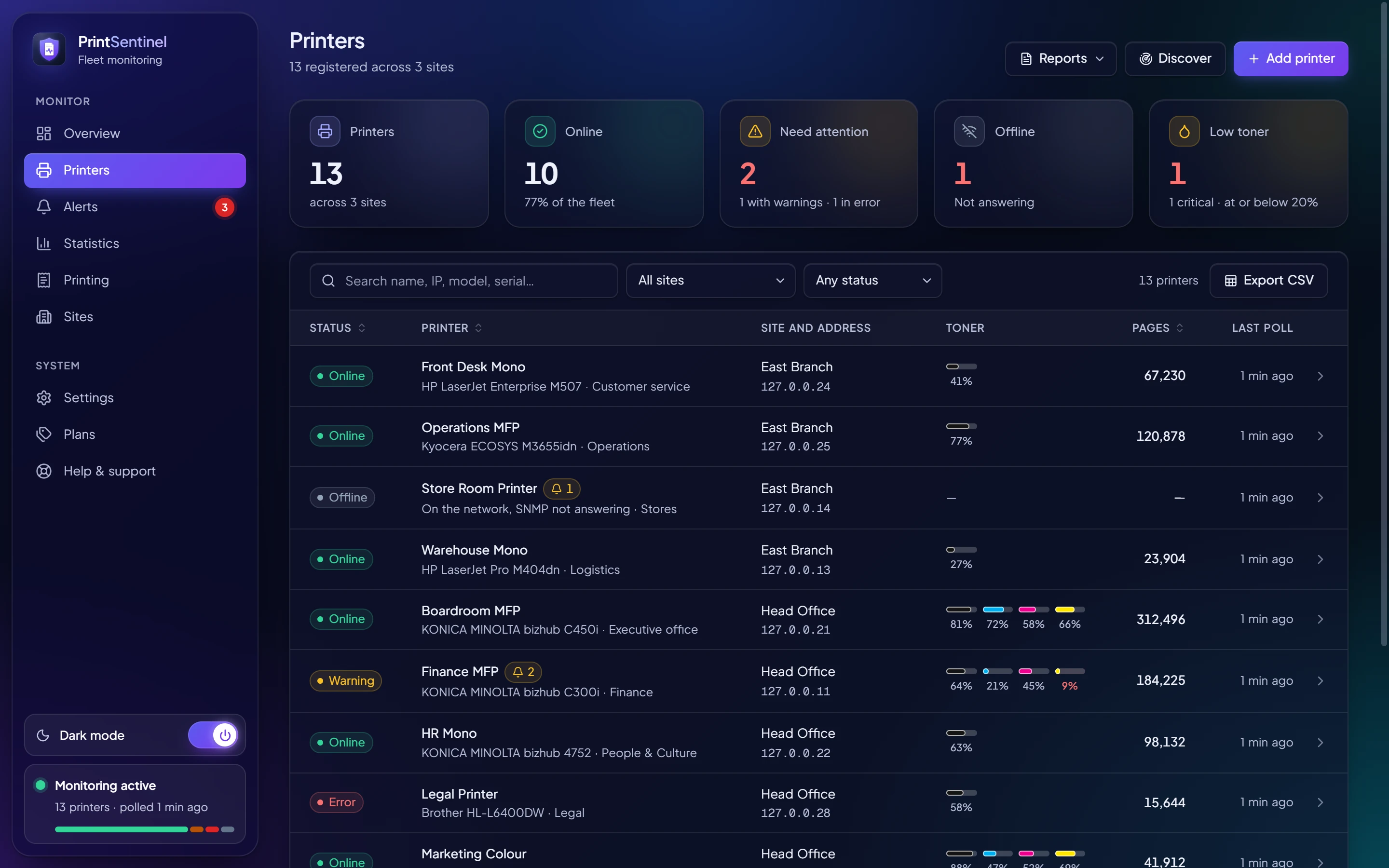
One list for every printer, at head office and every branch
Status, toner, trays and page counts for the whole fleet, read straight from the printers. Filter by site or by what needs attention, and open any printer for its history.
- Find printers by scanning a range, such as 10.20.1.1–254
- Each site polls on its own, so a slow branch link never holds up the rest
- Spots a different machine at a printer’s address, not just a missing one
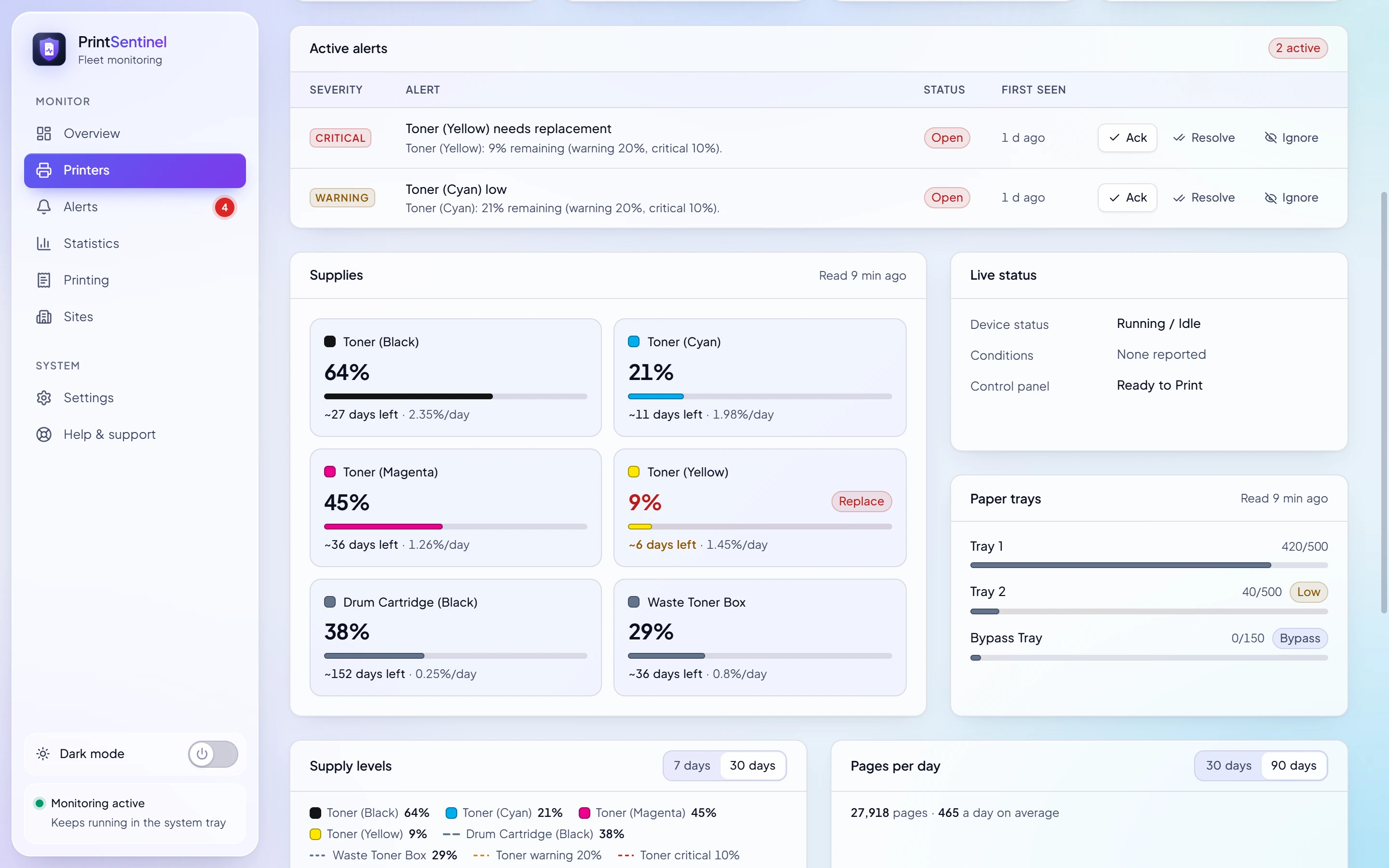
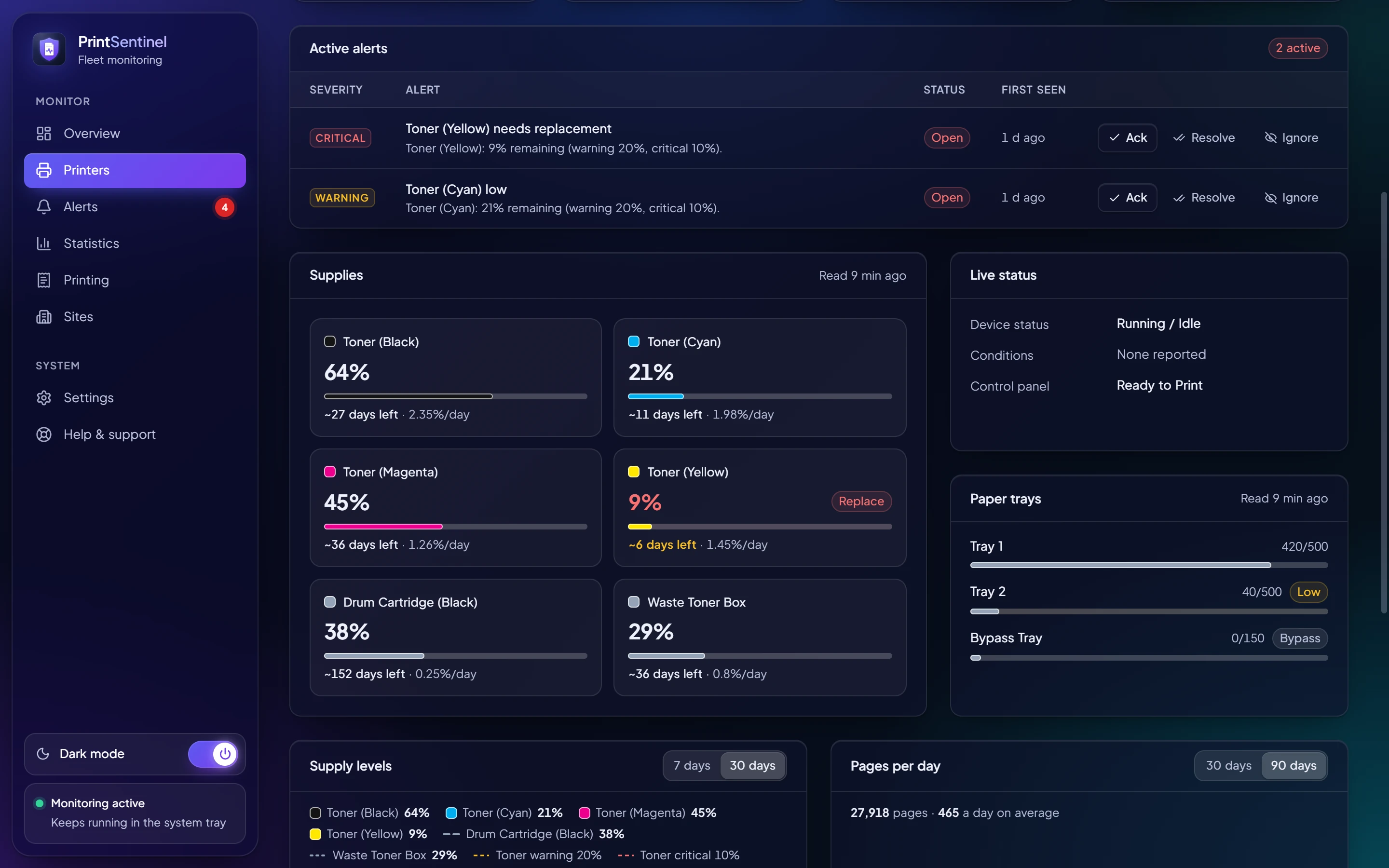
Days left, not just a percentage
PrintSentinel learns how fast each printer really uses each supply and tells you when it will run out, so the replacement is ordered while there is still time to ship it.
- Forecasts from real use since the last replacement
- Replacements detected automatically from the level jump
- A procurement report of everything to order, and toner to send from the store
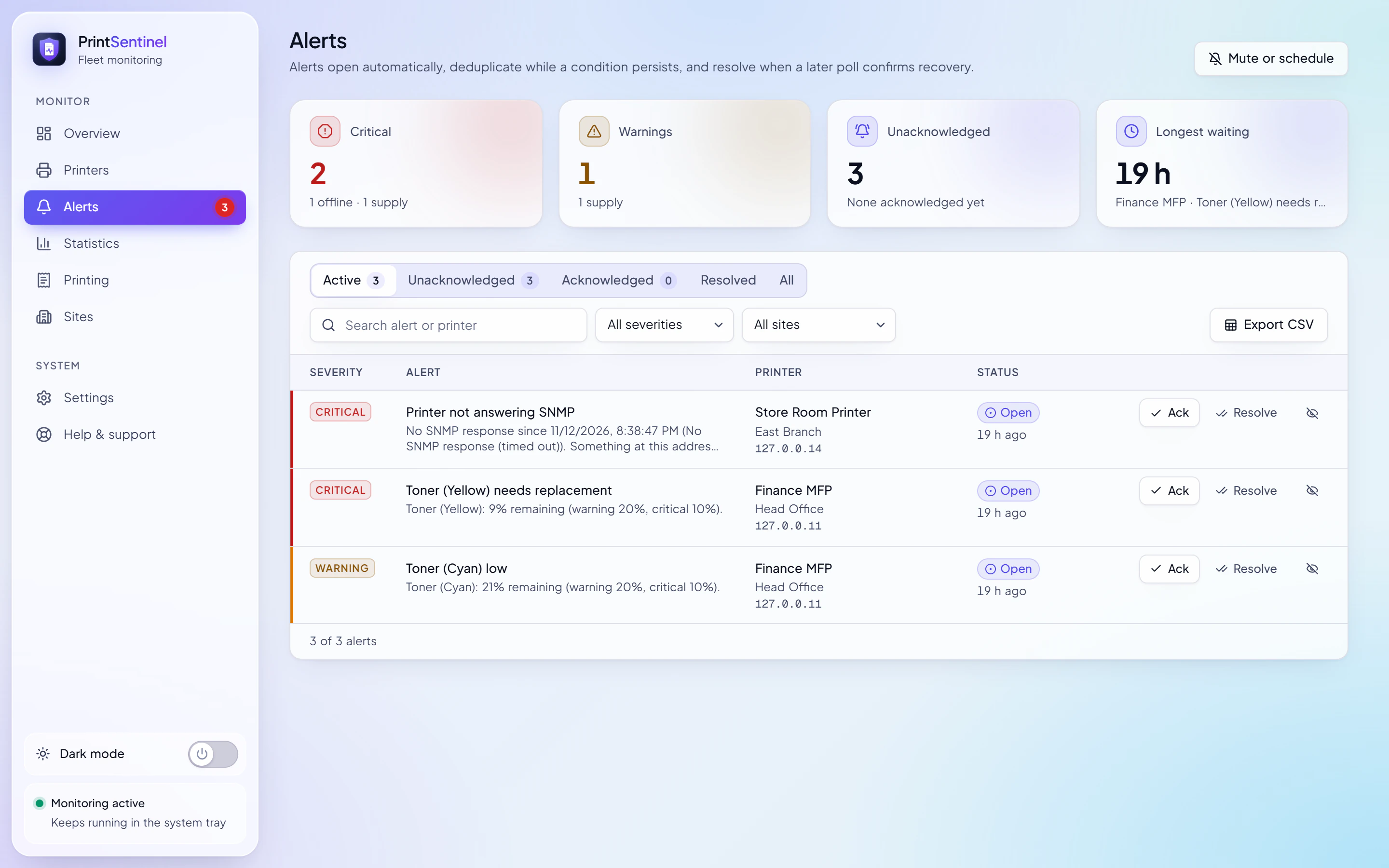
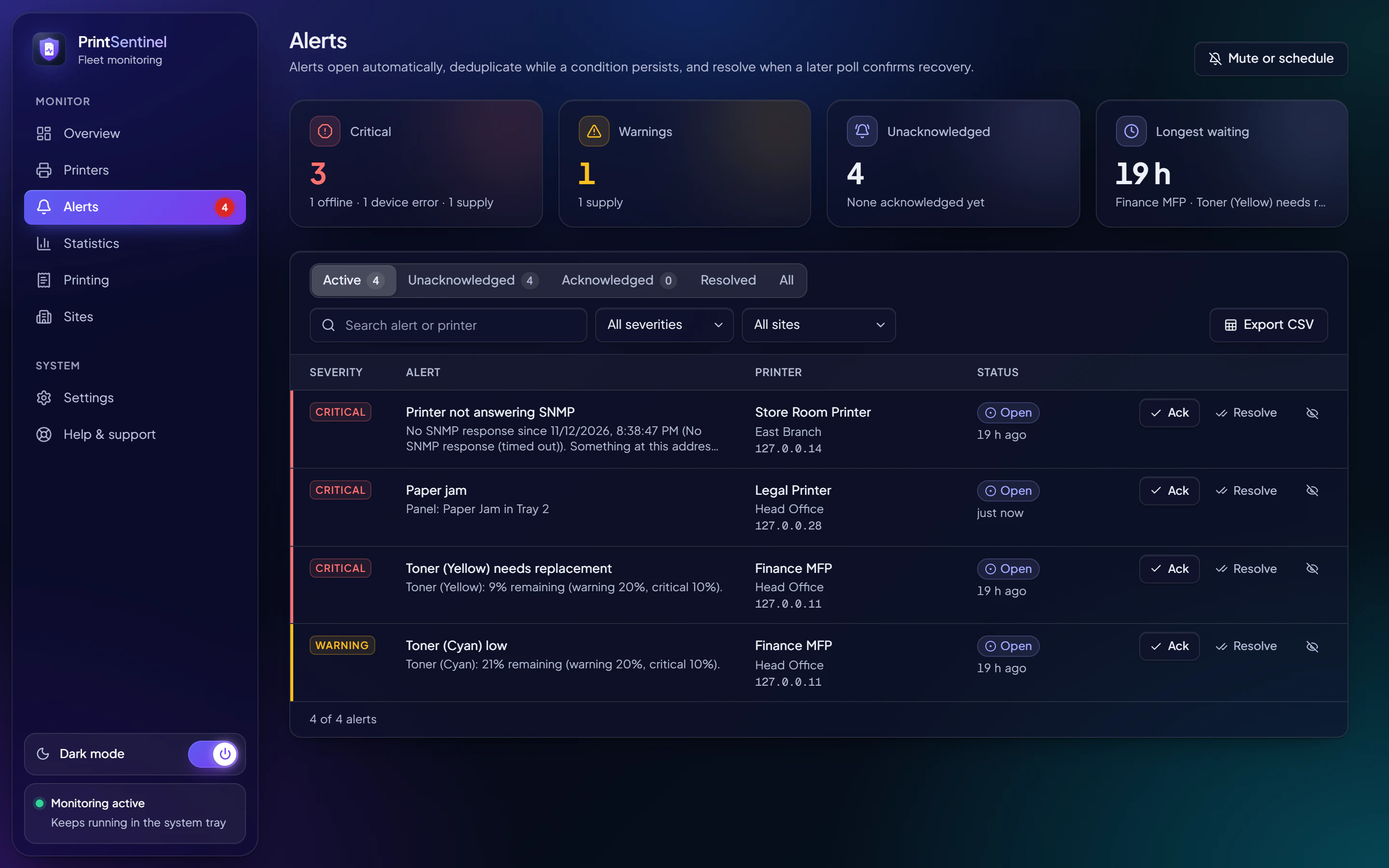
Alerts that reach a person, once
A desktop pop-up on every connected PC, a post in Microsoft Teams, an email through your own mail server. Duplicates are folded together and resolved alerts close themselves.
- Open the printer or acknowledge straight from the pop-up
- Quiet hours, muting and planned maintenance per site or printer
- A whole branch going dark becomes one notification, not twelve
Who printed what, where, and when
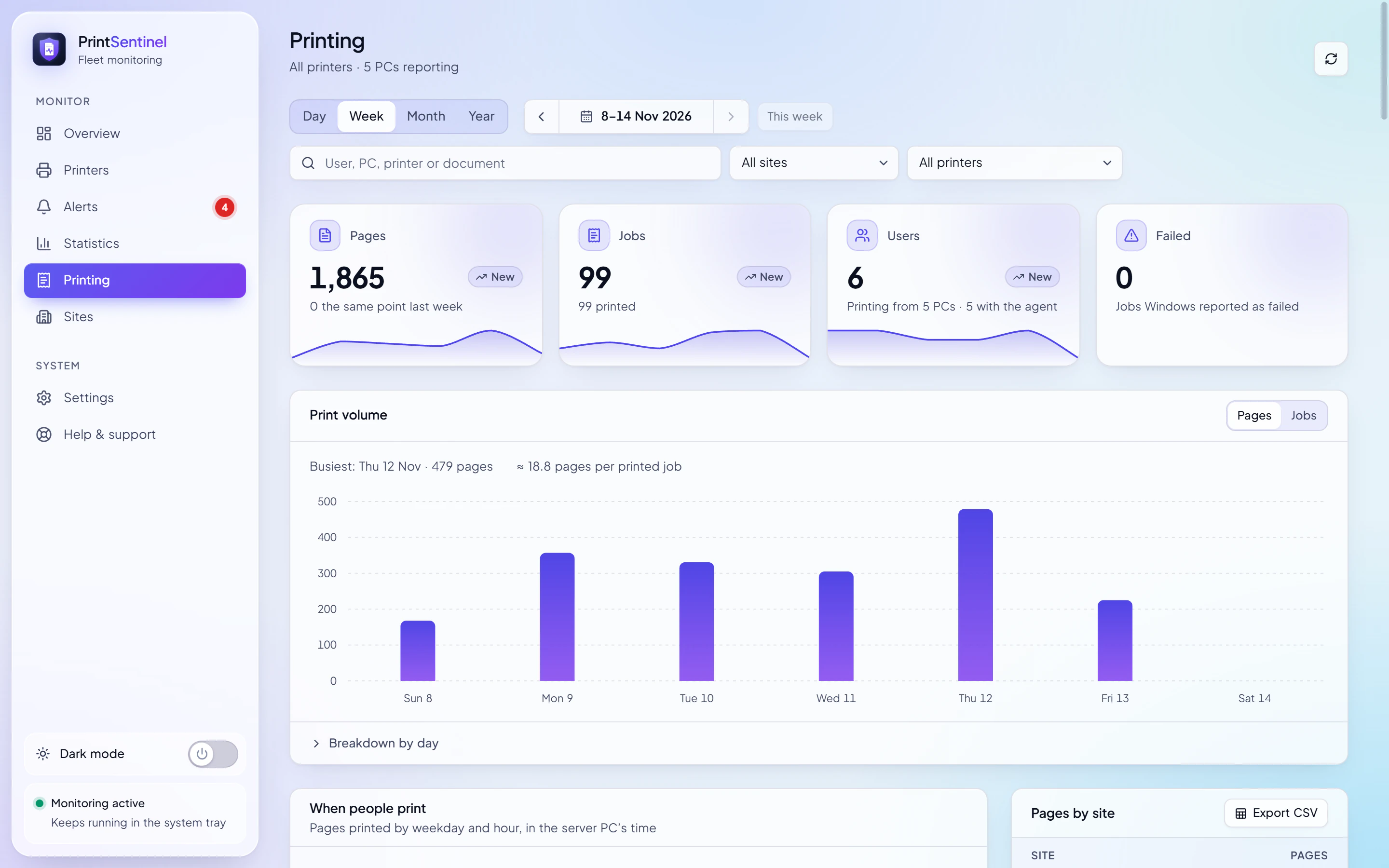
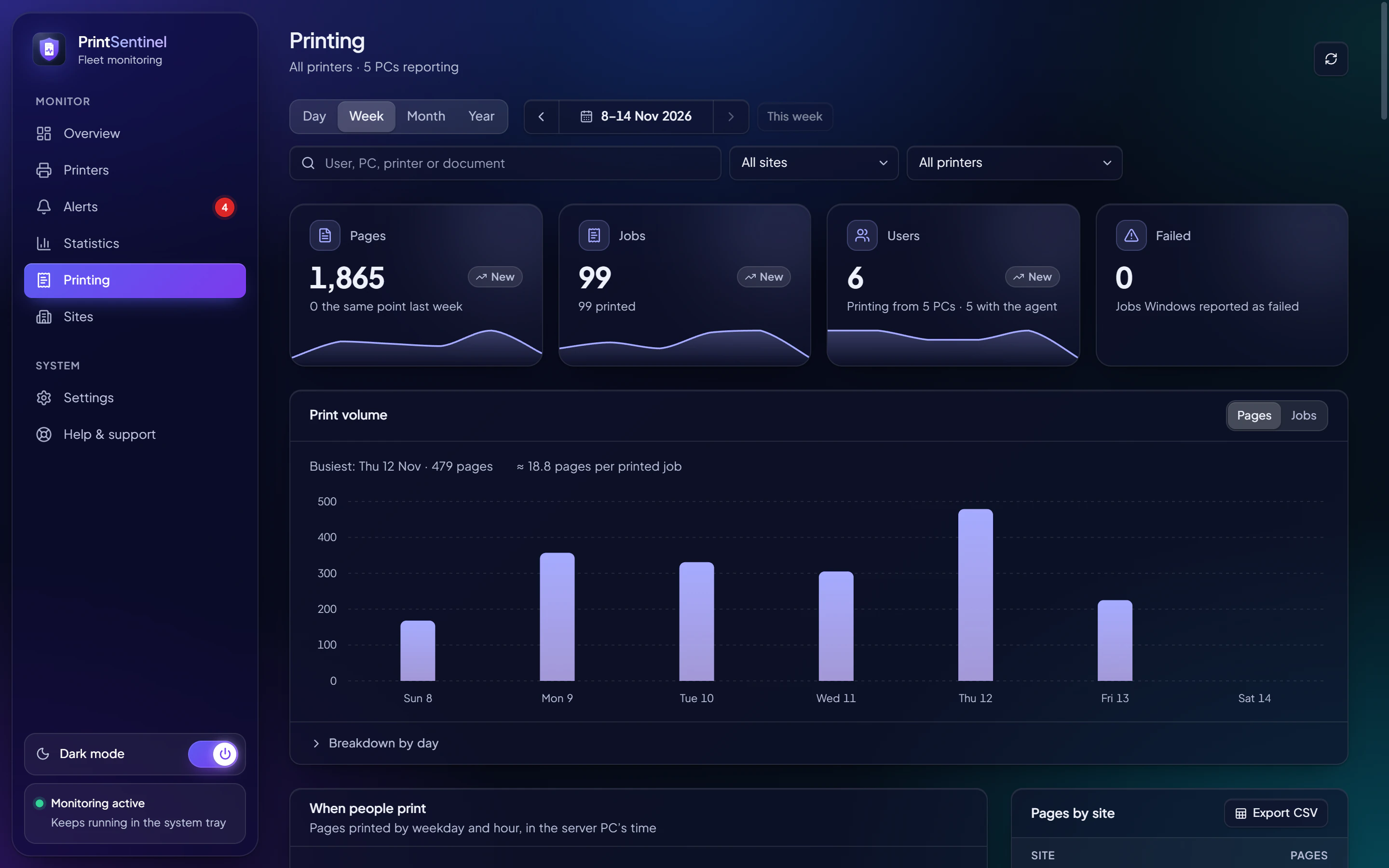
A small agent on each PC reports print jobs to the PrintSentinel server, with no print server in the way. See pages by user, PC, printer and site, and the busiest days and hours.
- Compare any week, month or year with the one before
- Document names can be switched off, which erases the stored ones
- Export to CSV for cost allocation
Monitoring by lunchtime
No agents on the printers, no cloud account for your data, no print server to change.
Step 1:
Install it on one PC
Any Windows PC that is always on and can reach the printers, including over a VPN to the branches. Or run it as a Windows service, with nobody signed in.
PrintSentinel Setup.exe
Step 2:
Find your printers
Create a site for each office and scan its address range. PrintSentinel recognises the printers that answer and reads their model, serial and supplies.
Discover 10.20.1.1–254
Step 3:
Choose who hears about what
Desktop pop-ups, Teams and email, by severity. Connect other PCs, or let colleagues open the dashboard in a browser with a viewer or helpdesk key.
Critical alerts to Teams and the IT desk
A monitoring tool you never have to monitor
The worst thing a monitoring product can do is stop quietly. PrintSentinel is designed so it doesn’t, and so it never becomes a security problem of its own.
- Works without the internet
- Monitoring runs on your network. A paid licence keeps working for about 44 days without reaching us.
- Your data stays with you
- Printers, alerts and print history live in a database on your server PC, backed up every day.
- Keys for every role
- Operator, helpdesk and viewer keys, enforced on the server, with an activity log of who did what.
- Encrypted and pinned
- Client PCs talk to the server over HTTPS and pin its certificate, so nothing can sit in between.
- Signed updates
- Client PCs update from your server and refuse any installer without the publisher’s signature.
- Watches itself
- Watchdogs notice when monitoring stops, and a heartbeat lets your existing monitoring check on it.
Simple plans, sized by your fleet
Launch prices, kept for as long as you stay subscribed. Two months free when you pay yearly.
- StarterUp to 10 printers1 site$12 / month$120 / year
- BusinessIn the free trialUp to 50 printersUnlimited sites$39 / month$390 / year
- Enterprise150 printers, more on requestUnlimited sites$99 / month$990 / year
The regular prices are $19, $59 and $149 a month. Every plan starts with a 7-day free trial of all Business features. Prices in US dollars.
Find out what your printers have been keeping from you
7 days with every Business feature. No card, nothing to install on the printers, and your data stays on your network.