Everything it watches, and everyone it tells
PrintSentinel is printer monitoring software that reads each printer’s own status over SNMP, keeps the history on your server and gets the right people involved. Here is all of it.
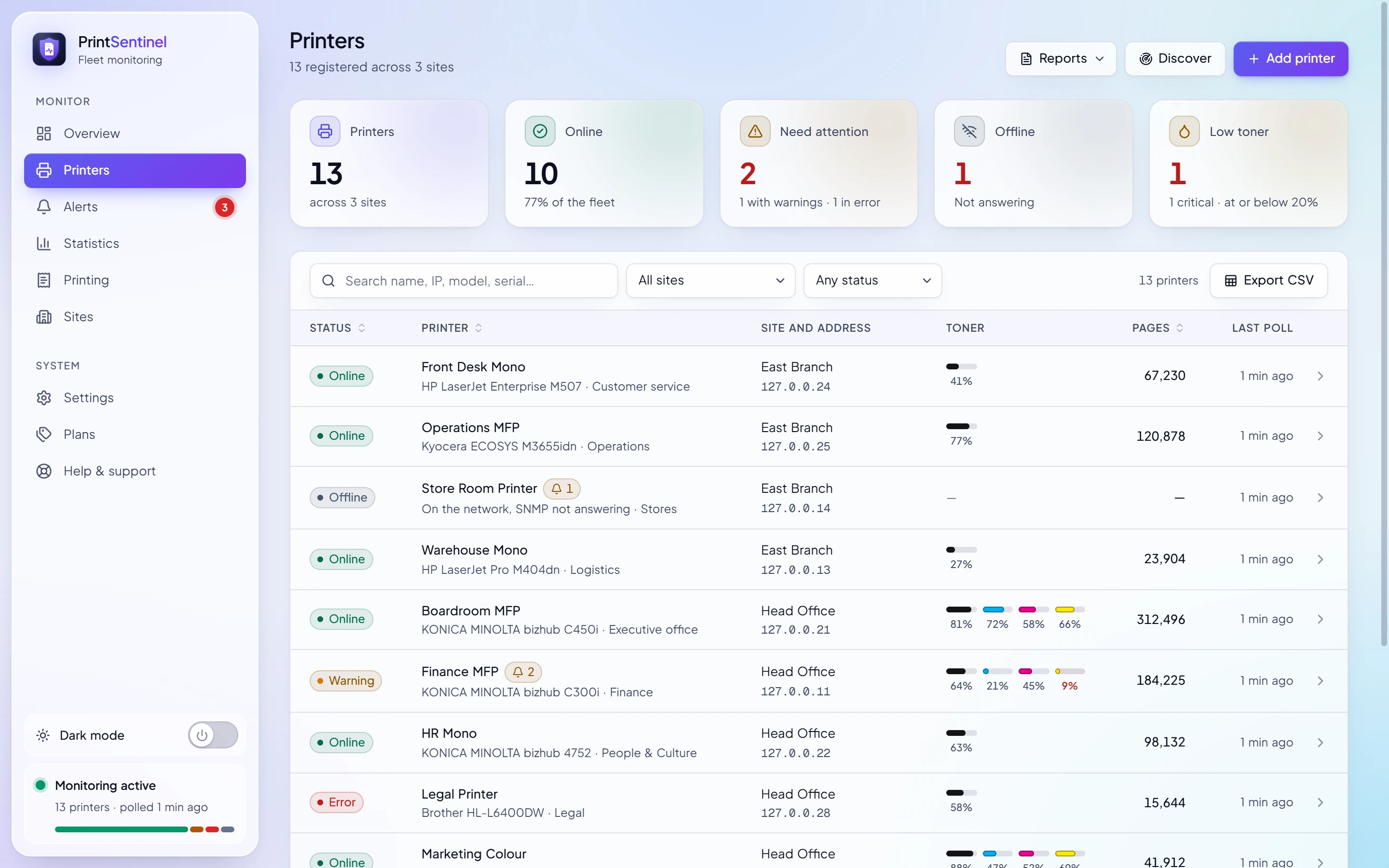
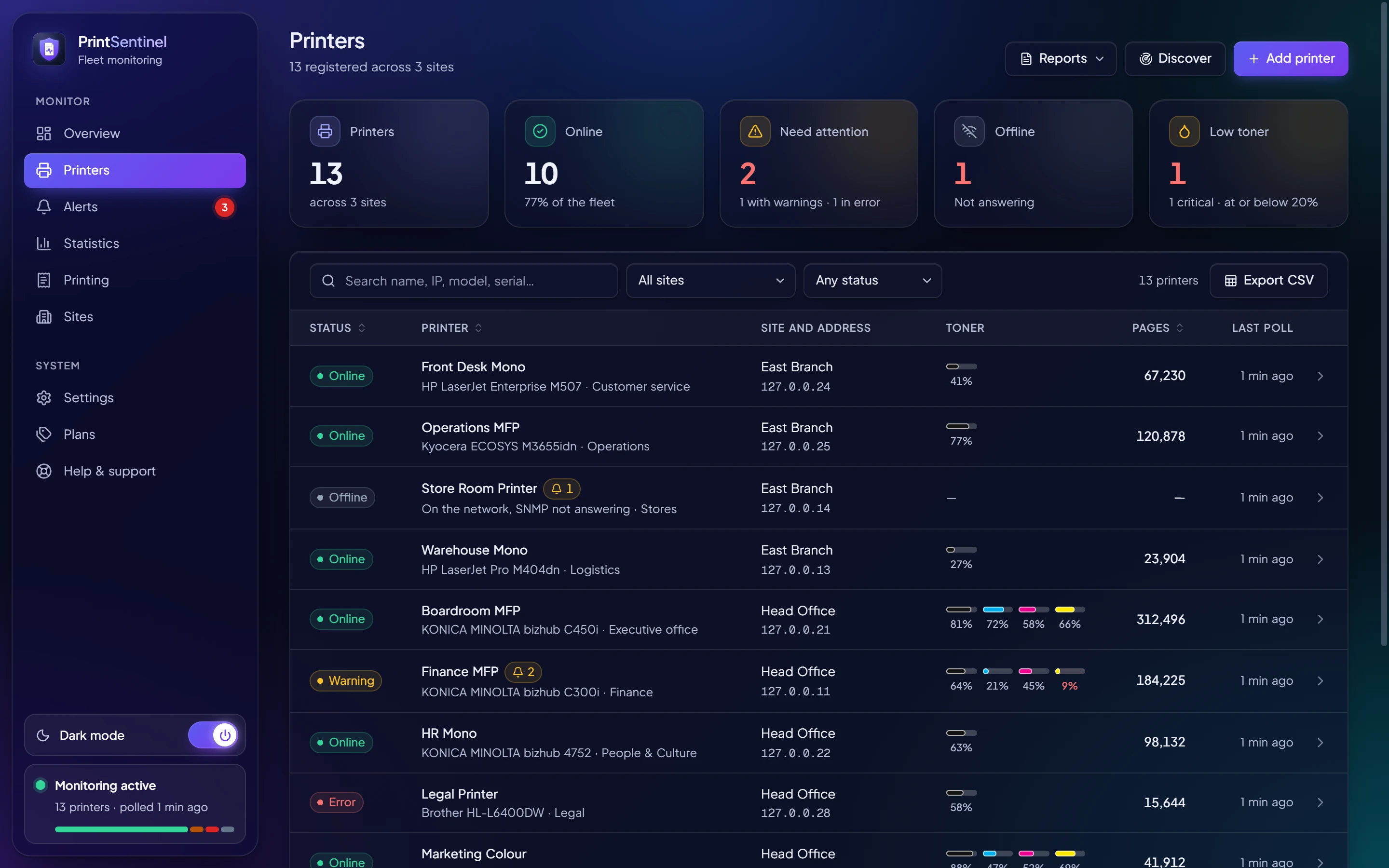
Live status for every printer you own
Every two minutes PrintSentinel asks each printer how it is; every fifteen it reads supplies, trays and counters. Both are adjustable.
- SNMP v1, v2c and v3
- Version 3 with authentication and privacy for networks that require it. Community strings and keys are stored encrypted.
- Any Printer MIB device
- Tuned for HP, Konica Minolta, Kyocera and UTAX, and works with any printer that speaks the standard Printer MIB.
- Discovery
- Scan an address range per site and add the printers that answer, with model and serial read for you.
- Knows the difference
- Tells a switched-off printer from one refusing SNMP, and notices when a different machine appears at a printer’s address.
Order toner before it runs out, not after
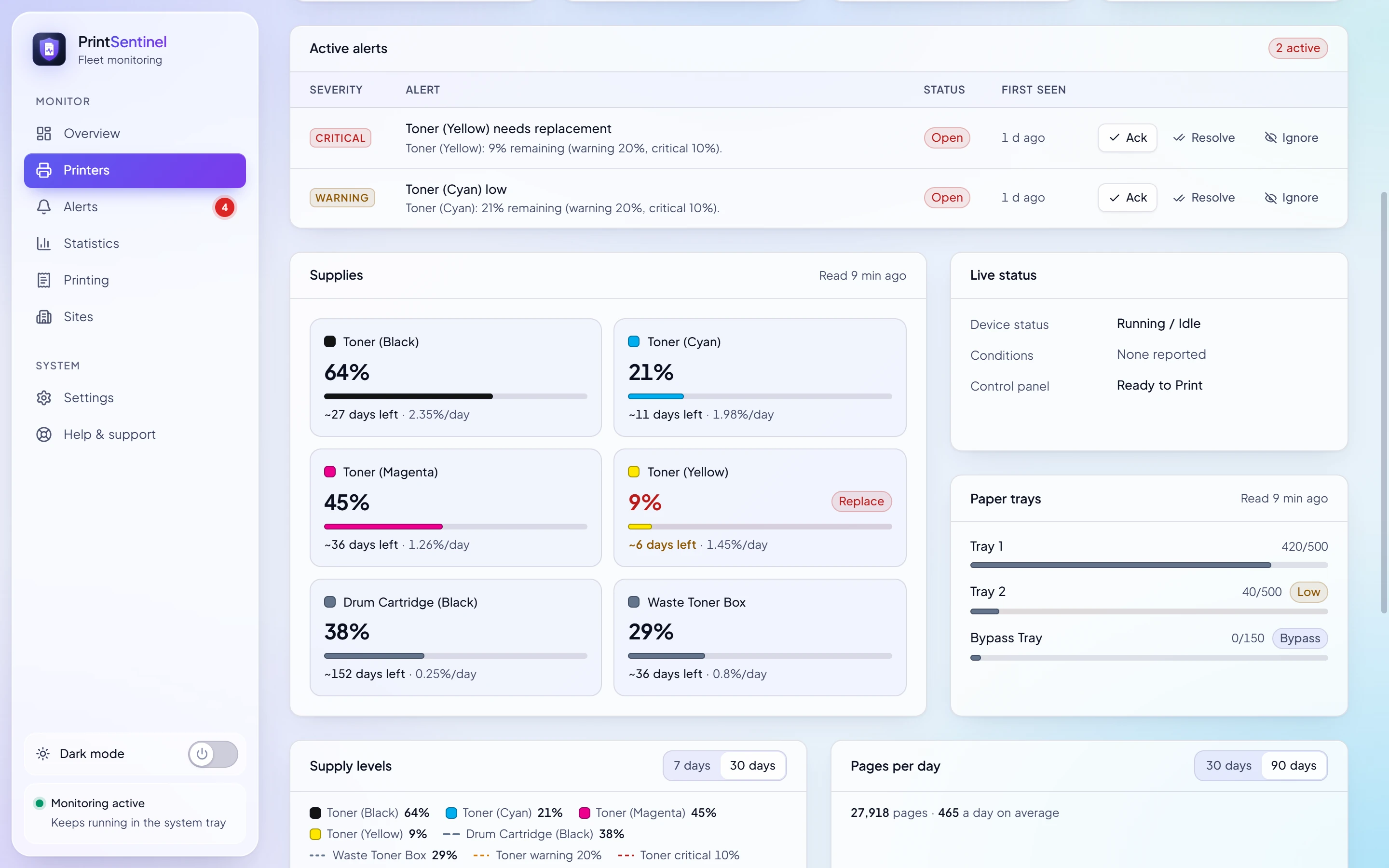
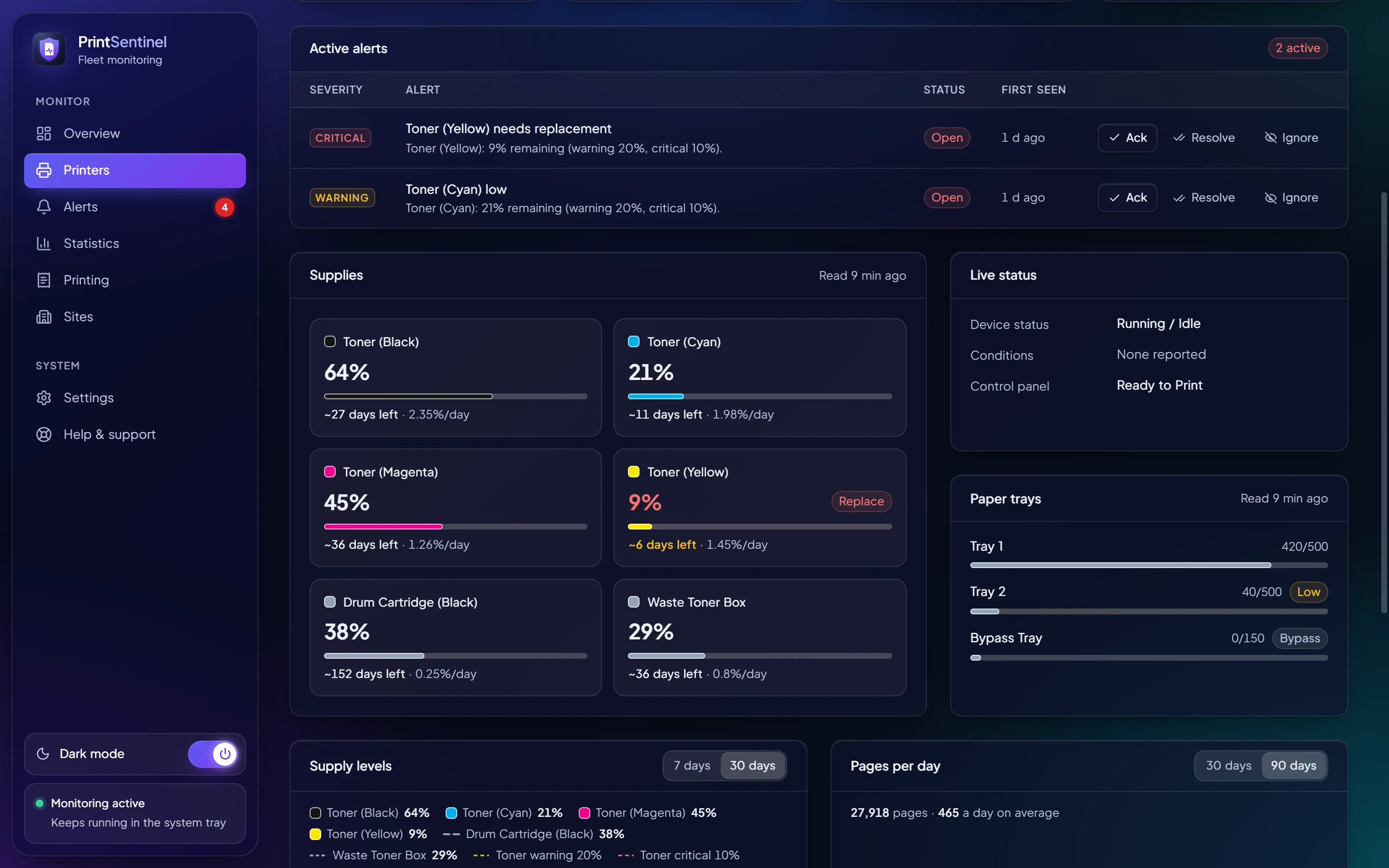
Every toner, drum, waste box, fuser and kit the printer reports, by its real name, with a forecast of when it will be empty.
- Days left
- Forecasts from each printer’s real use since the last replacement, not from a guess about page coverage.
- Replacements detected
- A level that jumps back up is recorded as a replacement, so the history and the forecast start again on their own.
- Toner to send
- Mark a cartridge as sent from the store and PrintSentinel quiets the low-toner alert until it is fitted.
- Procurement report
- Everything at or below its warning level, grouped and ready to order, printable or as CSV.
The right people hear about it, once
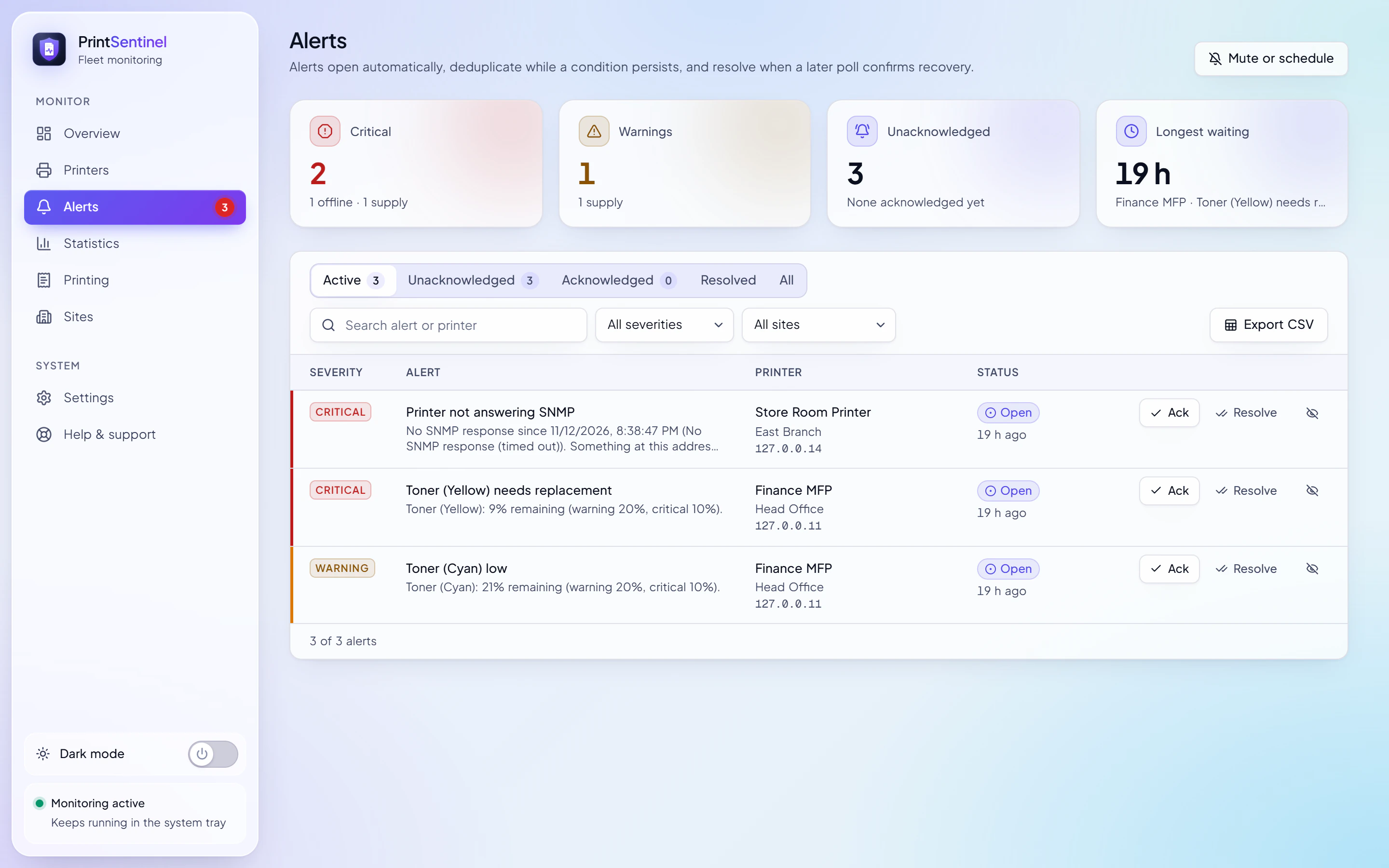
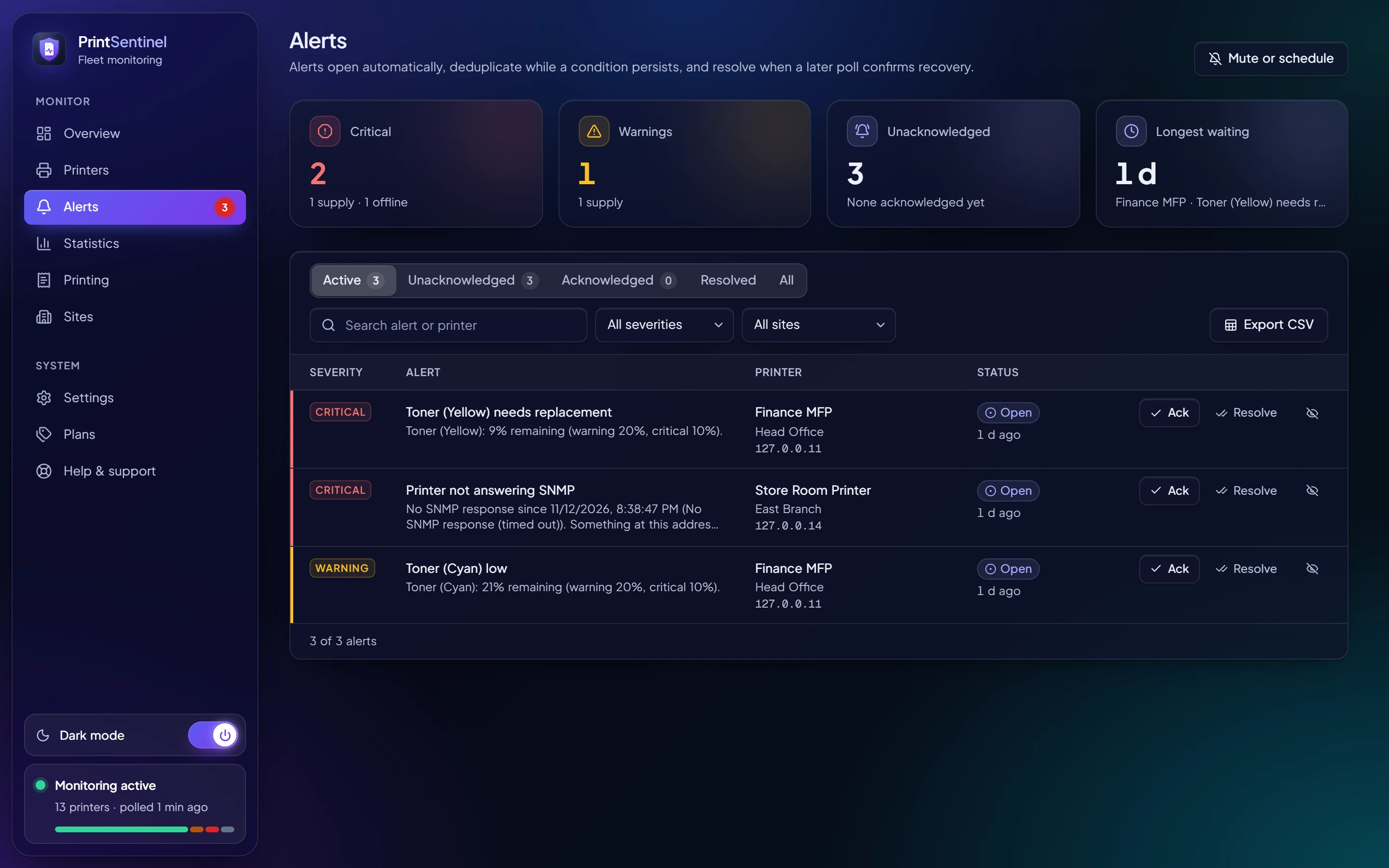
Alerts open when a printer reports a problem, stay as one alert while it lasts and resolve themselves when a later poll confirms it is fixed.
- Desktop pop-ups
- On every connected PC, with a severity icon and buttons to open the printer or acknowledge the alert.
- Microsoft Teams and email
- Through a Teams workflow and your own mail server, with a queue that retries when either is down.
- Quiet when it should be
- Quiet hours, muting, planned maintenance per site or printer, and conditions you choose to ignore.
- One outage, one message
- When several printers stop answering together, you get one notification about the branch, not one per printer.
Head office and every branch, side by side
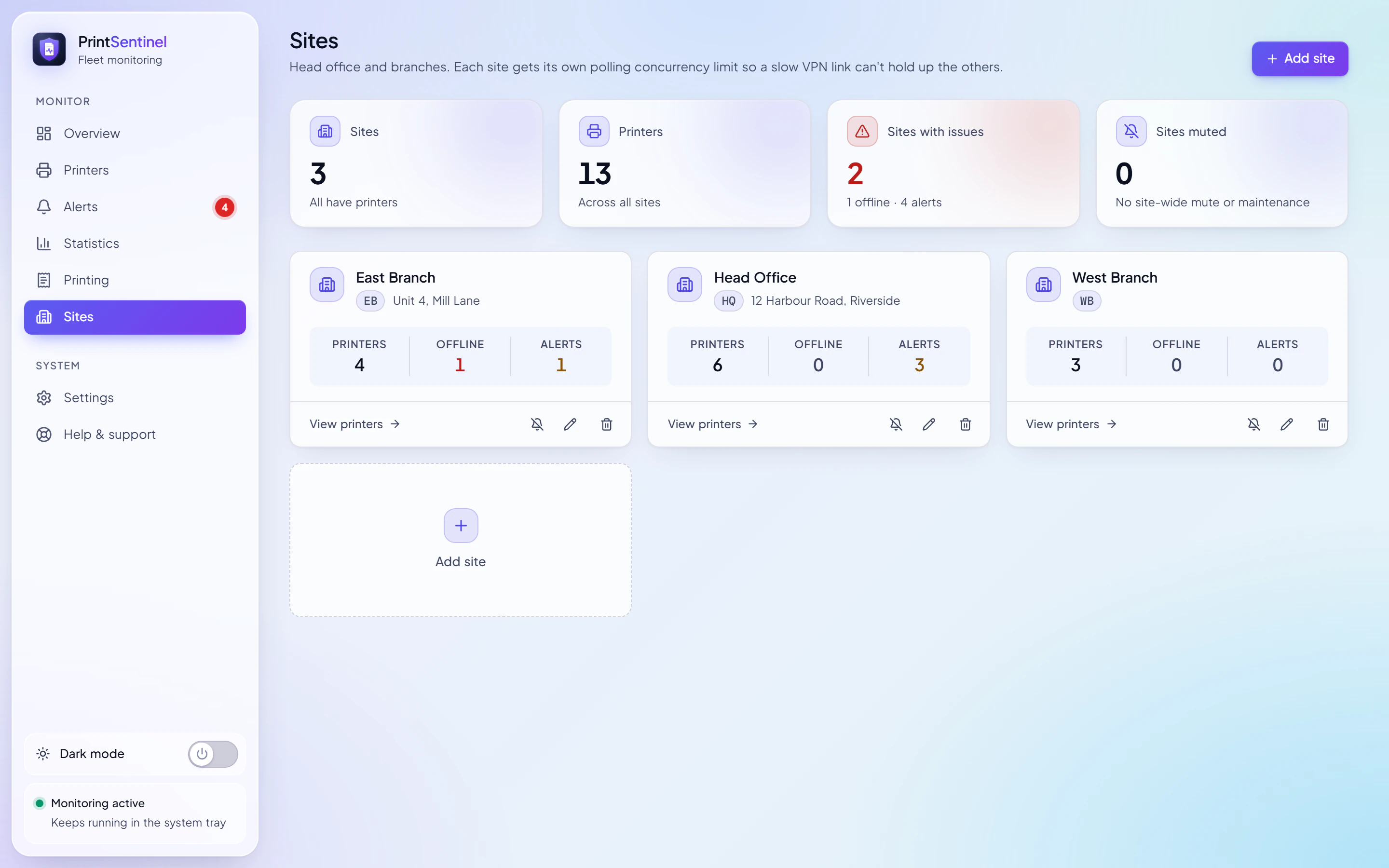
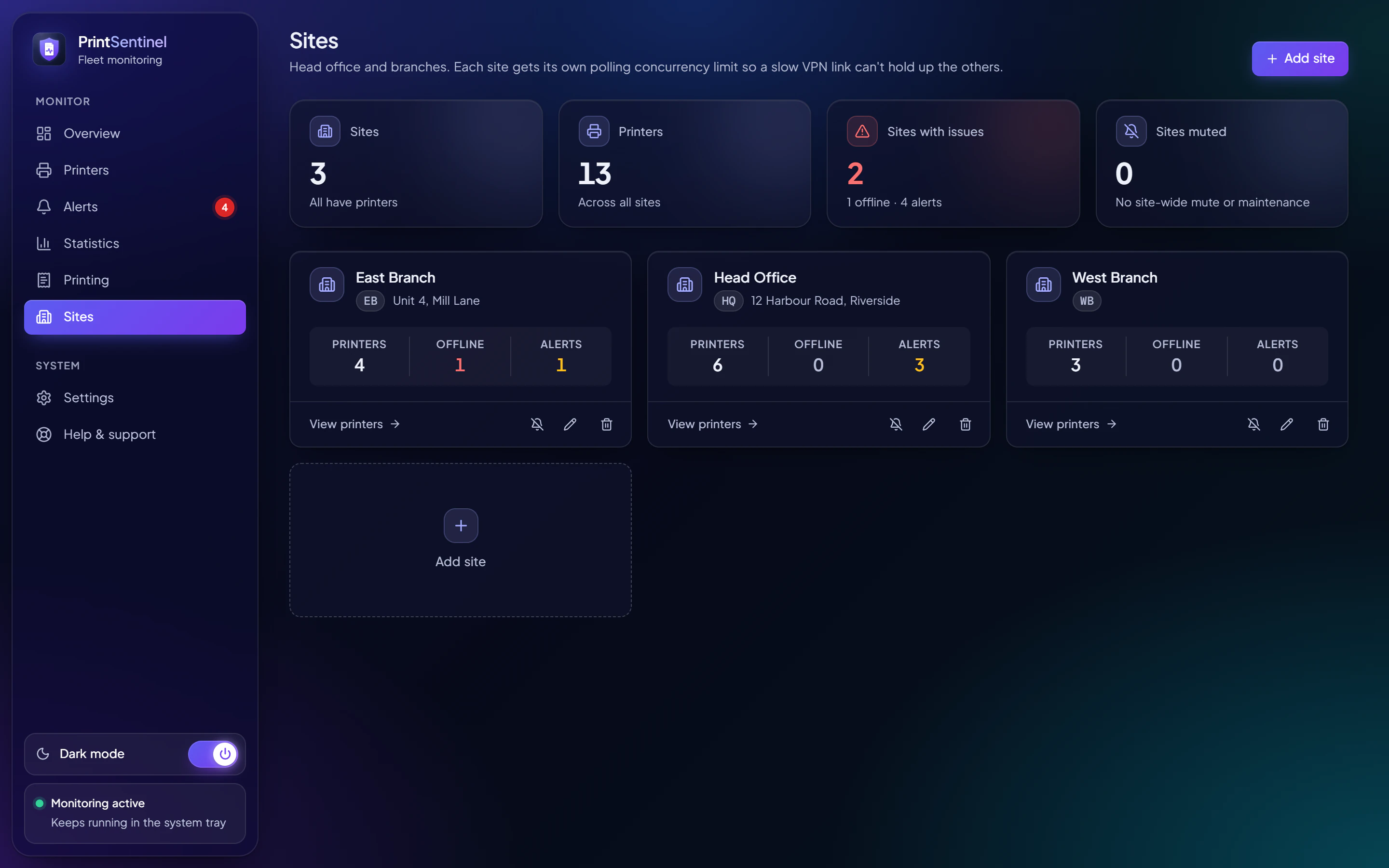
Group printers by office. Each site has its own address, its own mute and maintenance windows, and its own polling limit so a slow VPN link never holds up the others.
- Per-site views
- Filter every list, chart and report by site.
- Maintenance windows
- Silence a whole office while its network is being worked on.
- Branch outages
- Printers that drop off together are reported as one outage.
- Any number of sites
- Business and Enterprise plans have no site limit.
One server does the work; everyone else just looks
Install PrintSentinel on one always-on PC, or run it as a Windows service. Other PCs connect to it, or colleagues simply open it in a browser.
Printers, by office
Head Office6 printers
4 ready1 warning1 error
East Branch4 printers
3 ready1 not answering
West Branch3 printers
3 ready
One always-on PC, or a Windows service
- Polls every printer
- Sends Teams and email alerts
- Keeps the database and backups
- Serves updates to client PCs
People
Operator PCOperator key
Can change everything
Helpdesk PCHelpdesk key
Can handle alerts
Any browserViewer key
Can look
- Three kinds of key
- Operator for everything, helpdesk to handle alerts, viewer to look. Enforced on the server, not in the app.
- Windows service
- Monitoring and sharing carry on after restarts and Windows Update, with nobody signed in.
- Pinned HTTPS
- Each server has its own certificate; desktop clients pin it, so DHCP changes don’t matter and nothing can sit in between.
- Activity log
- Every change recorded with who made it, with which kind of key, from which address.
Who printed what, on which printer, from which PC
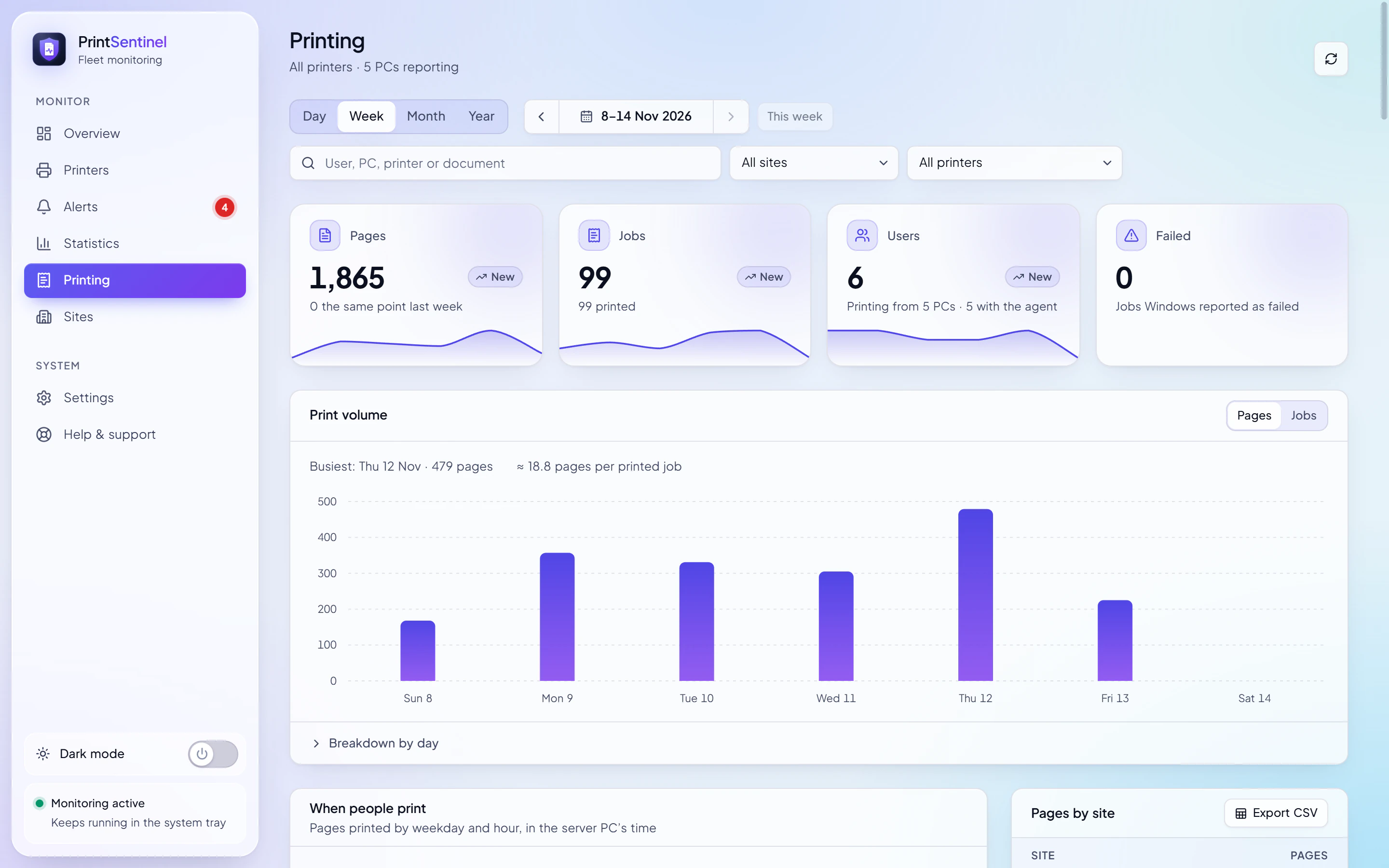
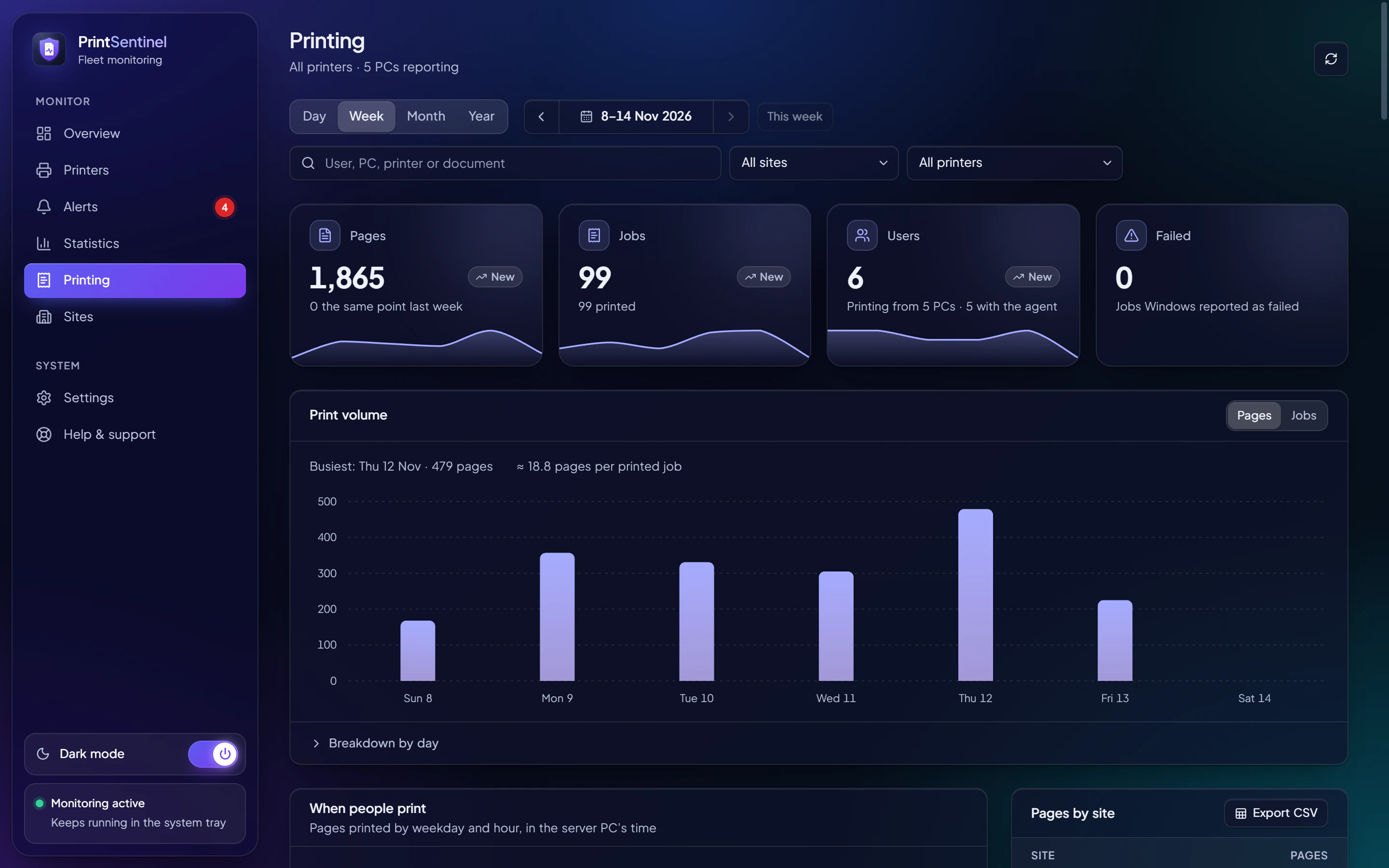
A small PrintSentinel Print Agent on each PC reads Windows’ own print log and reports to your server. No print server, no driver changes.
- Pages, jobs and users
- For any day, week, month or year, against the period before, by user, PC, printer and site.
- When people print
- Pages by weekday and hour, the busiest days and the largest jobs.
- Your choice on names
- Document names are recorded unless you switch that off, and erased from the database when you do.
- Rolled out by Group Policy
- The agent runs as a service and keeps events safe on the PC until the server is reachable.
Answers for the monthly meeting
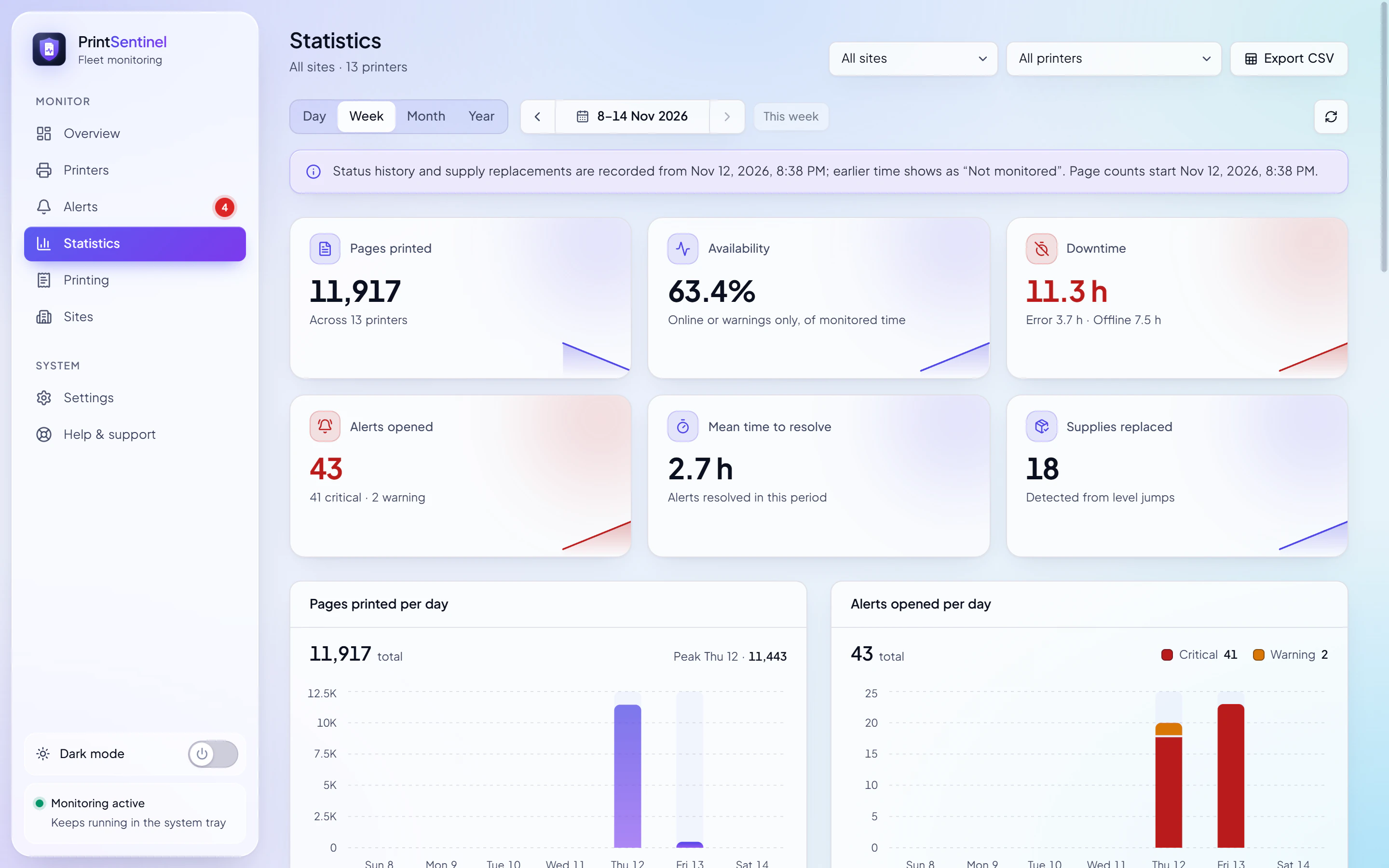
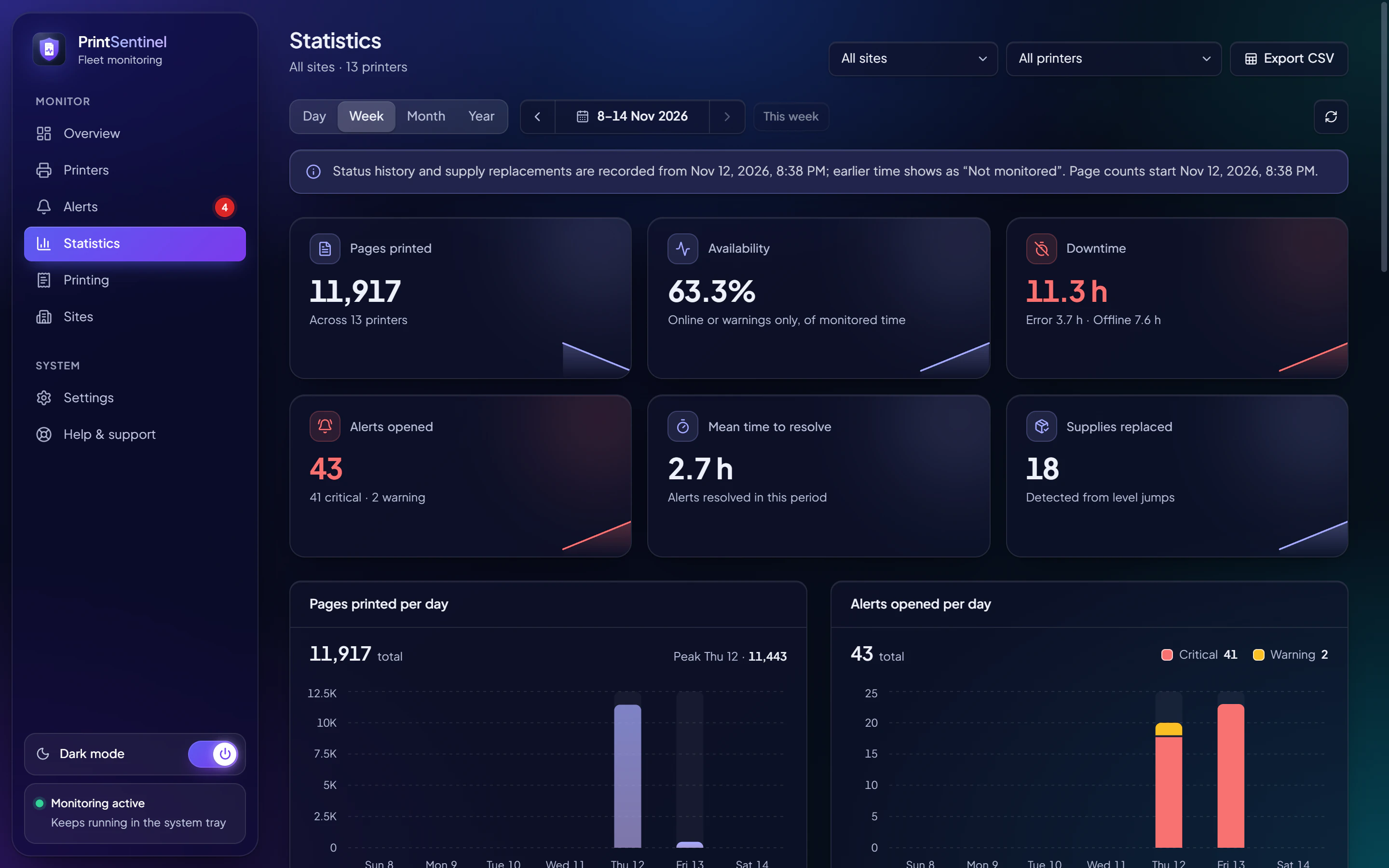
Statistics for any day, week, month or year: pages printed, availability, downtime, alerts and supplies replaced, for one printer, one site or all of them.
- Fleet report
- A printable summary of the whole fleet, ready to hand round.
- Availability and downtime
- How long each printer spent online, with warnings, in error and offline.
- Mean time to resolve
- How quickly alerts are dealt with, period on period.
- CSV everywhere
- Every table exports to CSV for your own spreadsheets.
Designed to be forgotten about
PrintSentinel looks after itself, so the tool that watches your printers never becomes another thing to watch.
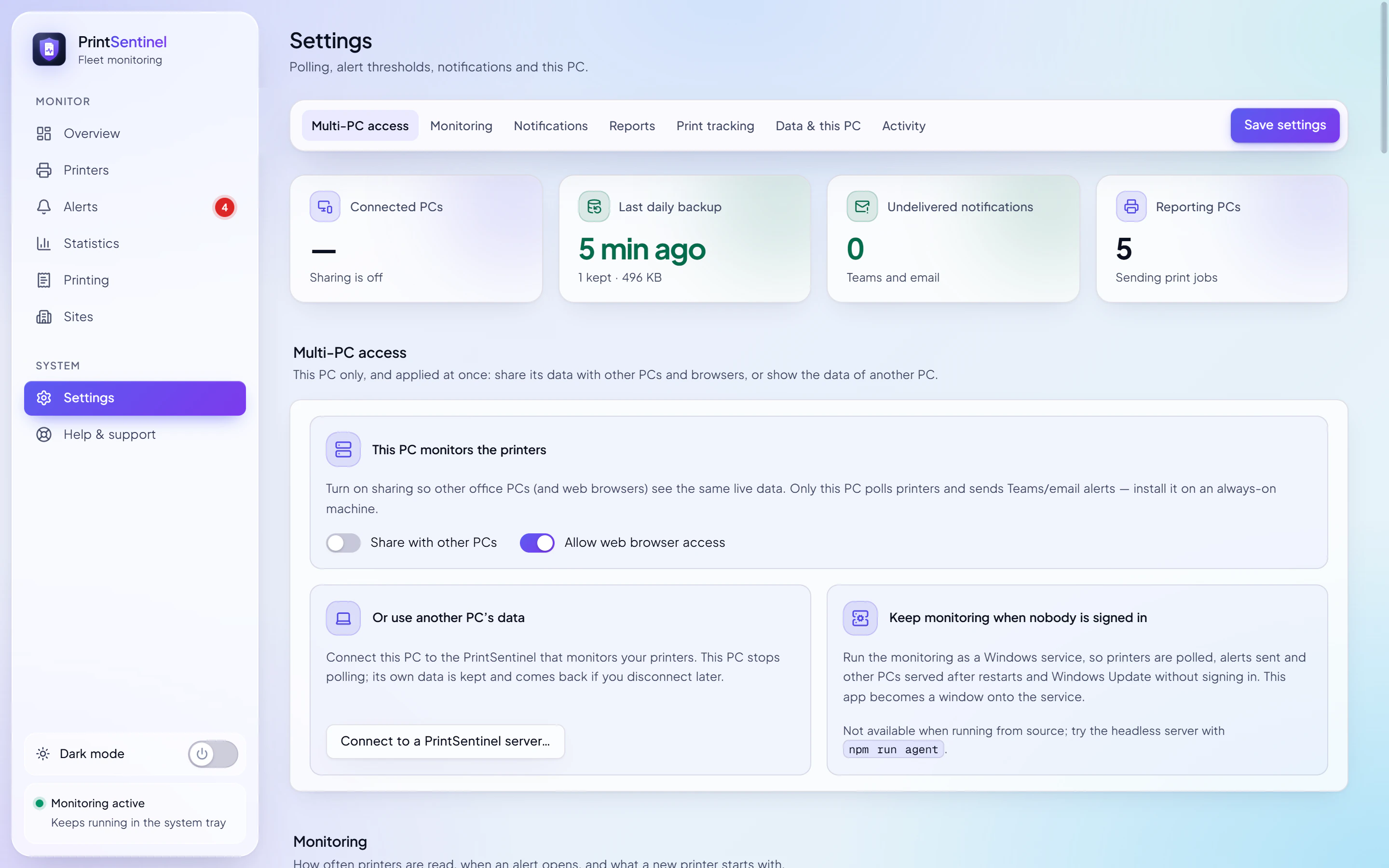
- Daily backups
- Taken every day on the server PC, and restored from Settings in a few clicks.
- Signed updates
- Client PCs update from your server and accept only installers signed by the publisher.
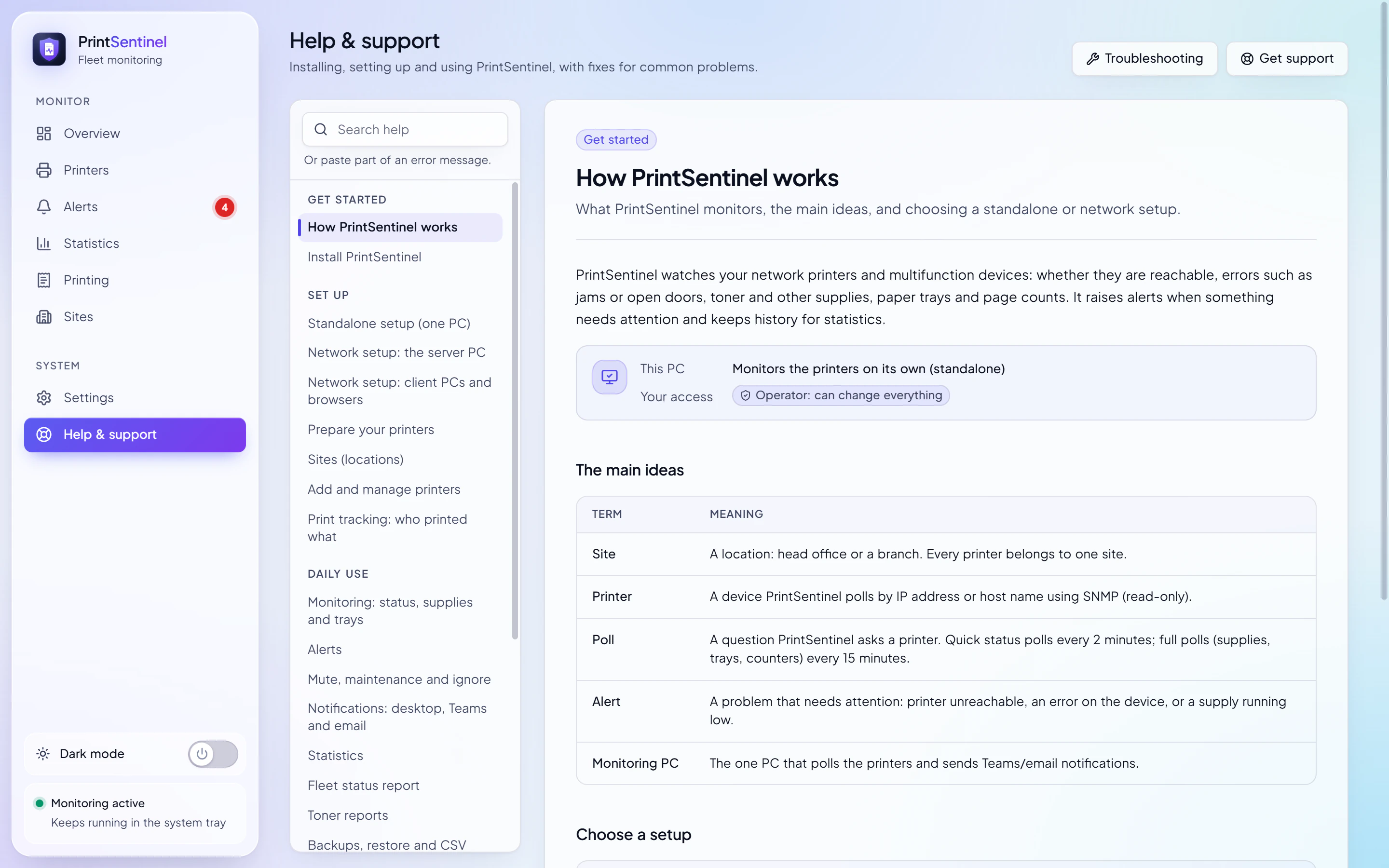
- Watchdogs and heartbeat
- Notices if polling stops, and offers a health address your existing monitoring can check.
- Help built in
- Setup guides and troubleshooting inside the app, written for the person on site.
See it on your own printers
7 days, every Business feature, no card.